monday.com vs ClickUp
The short answer: Pick monday.com if you want a clean, visual project board that the whole team can read without training; pick ClickUp if you want one tool to replace docs, whiteboards, tasks and chat, and you have someone willing to configure it. monday.com is the easier adoption; ClickUp is the deeper toolbox.
Both tools promise to organise your work, but they optimise for opposite problems. monday.com wants you to see progress at a glance — colourful boards, simple statuses and automations that feel like spreadsheet rules. ClickUp wants to absorb every tool you use — docs, sprints, whiteboards, goals, chat — into one configurable workspace. The question is whether your team needs clarity or consolidation.
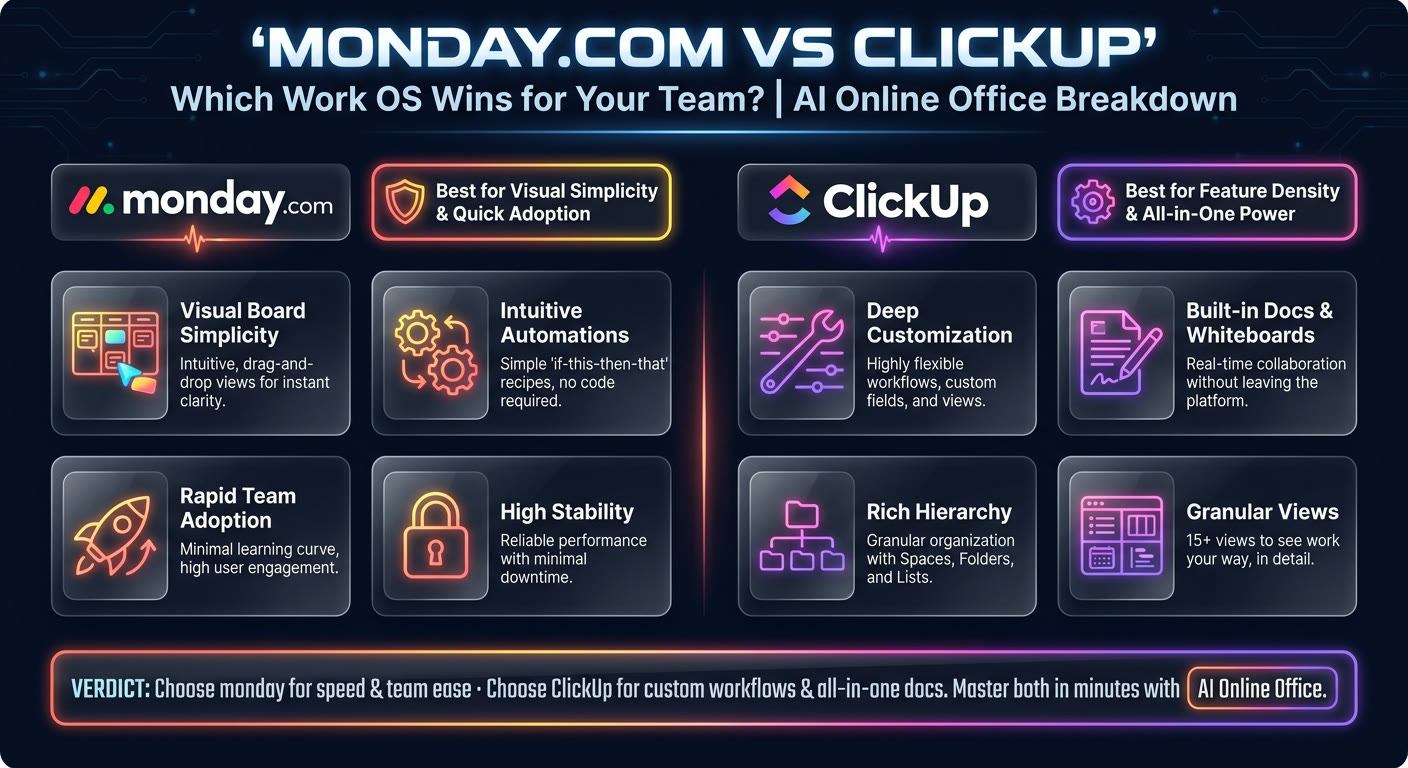
monday.com vs ClickUp, side by side
| monday.com | ClickUp | |
|---|---|---|
| Visual layout | Colour-coded boards, timelines and dashboards that are easy to scan. | Lists, boards, Gantt, calendar and mind maps — more views, but busier by default. |
| Setup speed | Templates get a board running in minutes; most people understand it immediately. | Powerful but heavy — spaces, folders, lists, statuses and custom fields need decisions early. |
| Feature breadth | Focused on projects, portfolios, CRM and simple automations. | Very broad: docs, whiteboards, chat, goals, sprints, time tracking and more inside one app. |
| Learning curve | Gentle; non-technical team members rarely need training. | Steeper; the density of features can overwhelm until someone designs the structure. |
| Automations | Simple, visual rules that cover most project triggers without coding. | More advanced conditional automations, but harder to build and debug. |
| Pricing at scale | Per-seat pricing that climbs as you add editors and advanced views. | Competitive per-seat pricing, with many features included that monday.com gates behind higher tiers. |
| Reporting | Dashboards and widgets are attractive and quick to configure. | Charts, workload, sprint and custom reporting — richer, but takes longer to set up well. |
| Best fit | Teams that need visibility into projects without a configuration project first. | Teams that want one tool for tasks, docs and planning and have an owner for the setup. |
Choose monday.com if
- Your team needs to see project status at a glance without reading pages of docs.
- You want a tool people can use on day one with minimal onboarding.
- You manage client projects, campaigns or pipelines where visual progress matters.
- You prefer a polished, enterprise-ready feel over infinite customisation.
Choose ClickUp if
- You are trying to replace several tools — docs, whiteboards, tasks, chat — with one.
- Someone on the team enjoys configuring workflows and views.
- You need advanced features like sprints, goals, time tracking and custom formulas.
- Cost per feature matters and you want more included at lower tiers.
Still not sure which one fits you?
Tell AI Online Office what you're actually trying to do and it picks one for your situation — then walks you through setting it up, screen by screen.
Help me chooseMistakes people make choosing between them
Buying ClickUp for the feature list without an owner
ClickUp's depth is only an advantage if somebody designs the structure. Without an owner, it becomes a messy collection of half-used features.
Assuming monday.com cannot scale
monday.com handles serious project portfolios and enterprise permissions. Do not dismiss it as 'just pretty boards' if your actual need is clarity and adoption.
Comparing only the per-user price
ClickUp includes features monday.com charges more for, but monday.com may save hours in setup and training. Estimate the real cost of adoption, not just the subscription.
monday.com vs ClickUp FAQ
Is monday.com easier than ClickUp?
For most teams, yes. monday.com's board-first design is immediately readable, while ClickUp's density of views and features takes longer to learn and configure.
Which is cheaper, monday.com or ClickUp?
ClickUp is generally cheaper at comparable tiers and includes more features per plan. monday.com costs more as you add advanced views and automations, but that can be worth it if it saves setup and training time.
Can ClickUp replace monday.com?
Functionally, yes — ClickUp can do almost everything monday.com does and more. The question is whether your team will adopt and maintain it. A simpler tool used well beats a powerful tool abandoned.
Which is better for agencies?
Both are popular with agencies. monday.com wins if you want client-facing boards and quick status updates. ClickUp wins if you want internal docs, sprint planning and client deliverables in one workspace.
More comparisons
Or read the plain-English setup guides once you've picked one.